
AI & UX Innovation:
Designing Efficient Workflows
Process Street is a no-code workflow automation platform that helps teams document and streamline their processes. While powerful, it faced challenges with feature adoption, usability, and innovation.

As a Staff Product Designer
I led initiatives to modernize the core product, integrate AI-driven workflows, and optimize onboarding, using AI to accelerate research, prototyping, and design decisions, while mentoring the team and shaping overall product strategy.
Growth Meets Friction
Process Street helps teams run recurring workflows, but scaling users ran into three challenges
Onboarding Friction
New users struggled to see value quickly due to generic, one-size-fits-all onboarding.
Manual & Repetitive Workflows
Setting up workflows and tasks was time-consuming and inefficient, slowing adoption.
Legacy Interface Limitations
The Angular-based UI made updates slow, created inconsistencies, and limited scalability.
Risk to Adoption & Retention
Friction in first-time use threatened activation, engagement, and long-term retention.
Reduce Friction, Accelerate Activation
As Staff Product Designer, my mission was to lead UX strategy across two high-impact initiatives,
each aimed at removing friction and creating measurable impact
01. AI-Powered Workflow & Onboarding
-
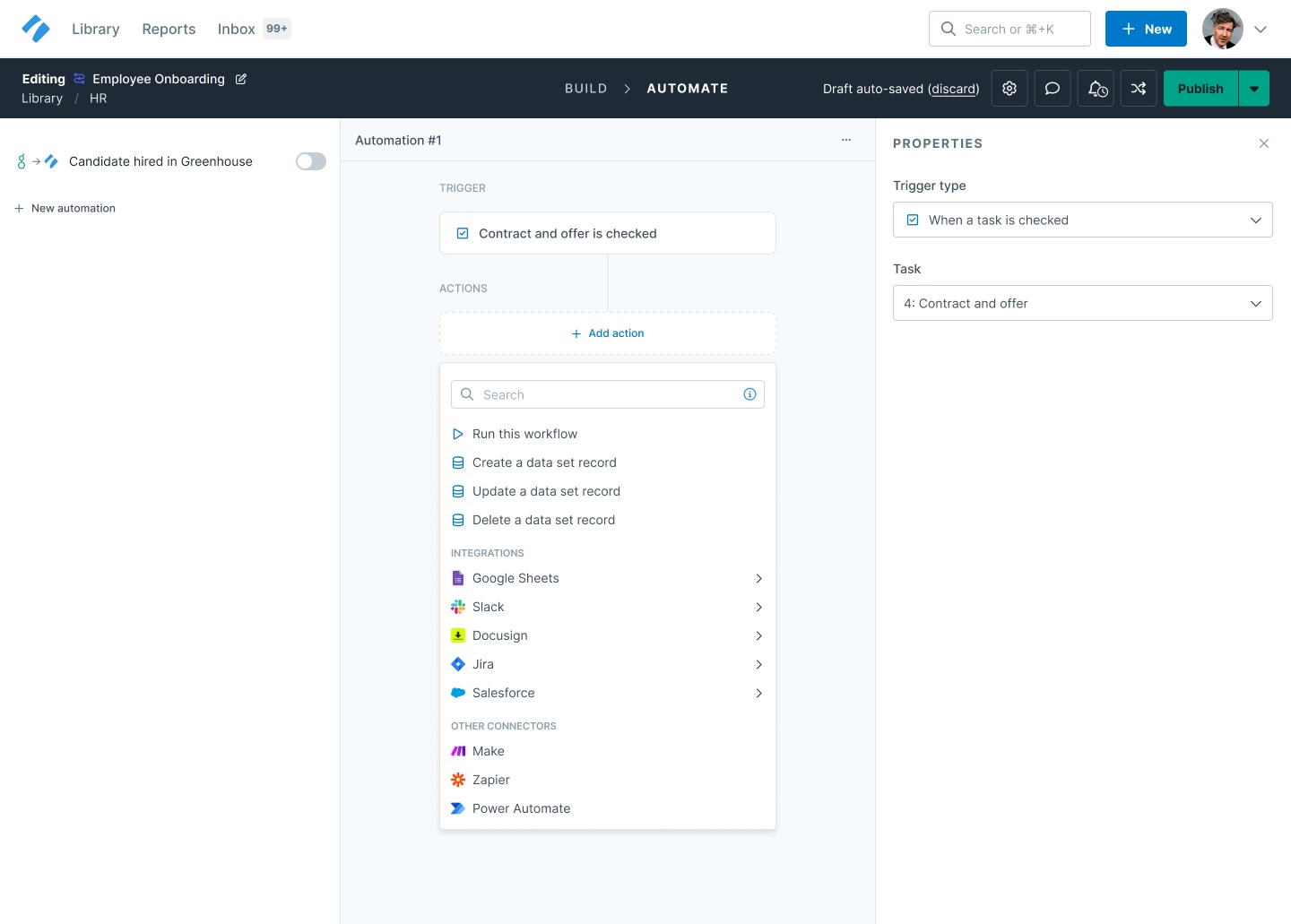
Workflow Generation: Designed a guided prompt flow where a simple input (e.g., “new hire onboarding”) produced a full workflow with steps, assignees, due dates, and automations. Ensured outputs were editable so users stayed in control.
-
Task Creation: Embedded AI in context for generating tasks and subtasks, with smart defaults and inline assistance to make editing seamless.
-
Personalized Onboarding: Applied AI to detect intent and suggest tailored templates, reducing choice paralysis and speeding up activation.


We explored AI onboarding concepts to help users get started quickly, including smart templates, guided builders, and process mining to suggest workflow improvements.
We weighed trade-offs in cost, effort, and scalability, testing each approach internally and with power users to identify what drove engagement, reduced friction, and accelerated the “aha” moment.
Try the interactive prototype
02. Workflow Reactification & UX Modernization
-
React Migration: Partnered with engineering to incrementally replace Angular with React, maintaining backward compatibility and minimizing disruption.
-
UX & Navigation Redesign: Simplified workflows navigation, introduced modern interaction patterns, and balanced improvements with legacy functionality to keep power users comfortable.
-
Design System Integration: Updated UI components, typography, spacing, and colors to align with a refreshed design system—improving consistency and scalability across the product.
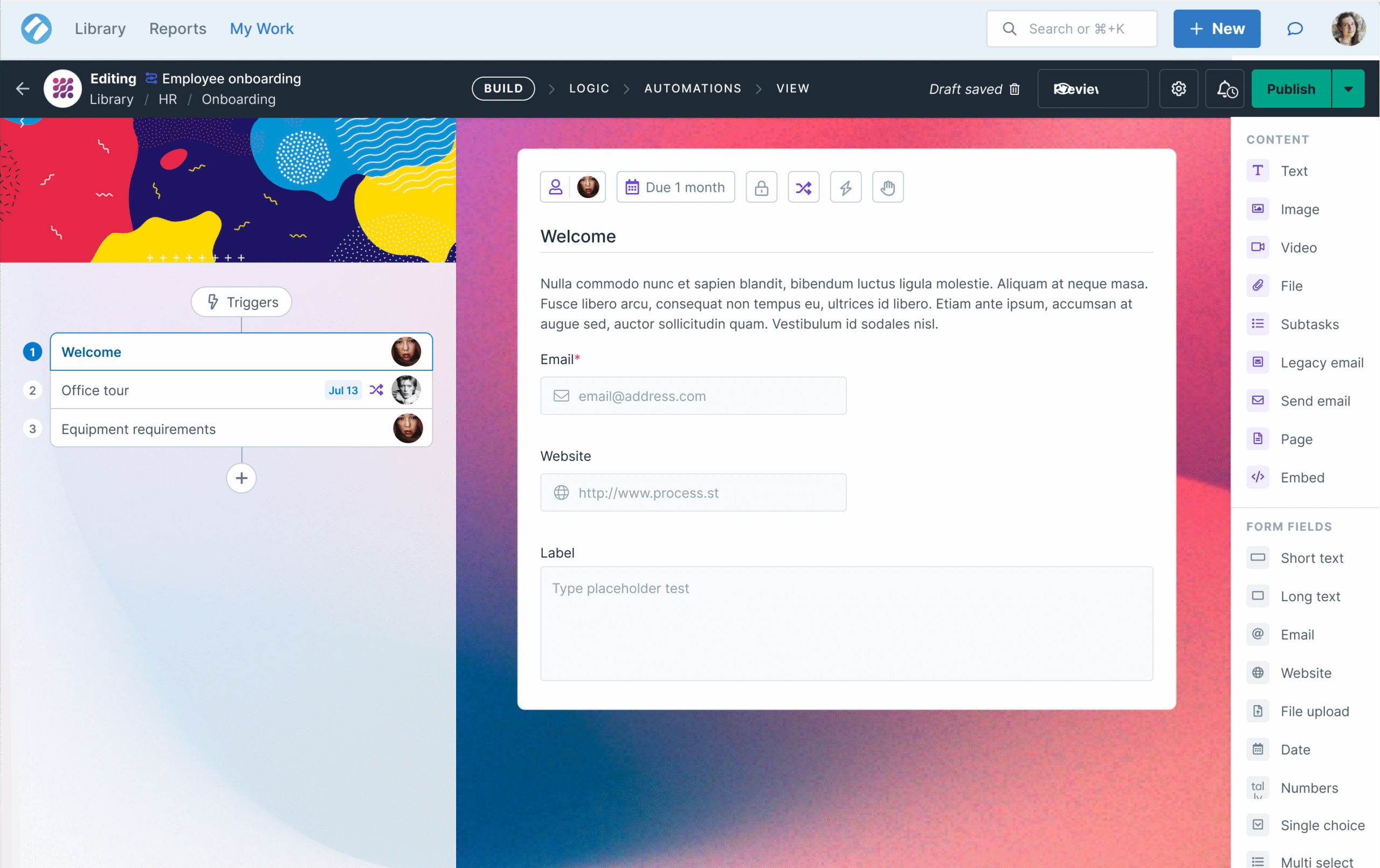
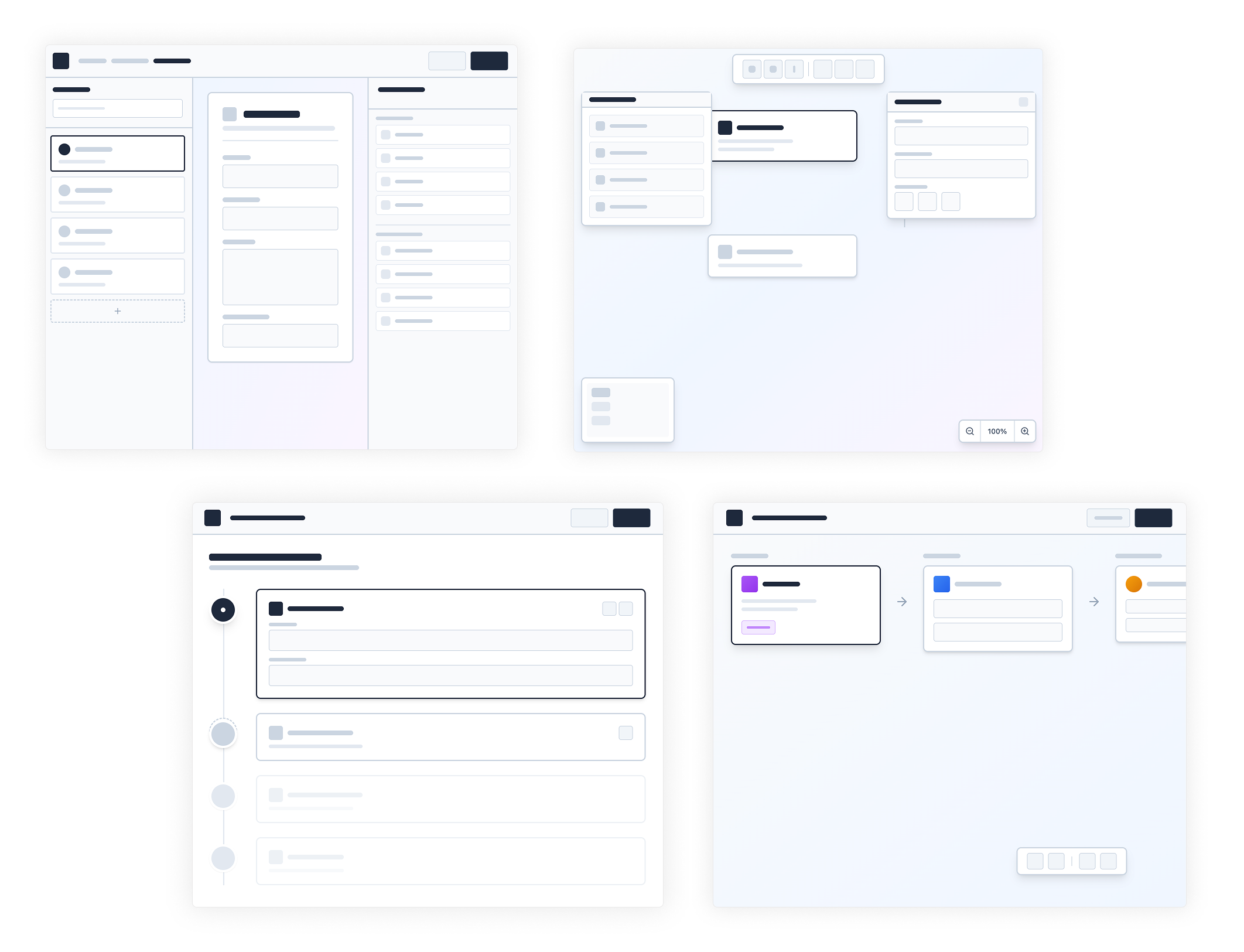
We evaluated a variety of ideas for the workflow builder, including three-panel, canvas, and horizontal layouts, testing different interaction patterns along the way.
Ultimately, we settled on a two-column design with a collapsible drawer, which simplifies navigation, makes complex workflows easier to manage, and adapts seamlessly to mobile devices.
Other projects leveraging this new design system and UX patterns



Clear Wins for Adoption & Experience
These efforts drove significant improvements in product adoption, efficiency, and engagement
«Indiana’s leadership was exceptional, guiding the team from concept to execution and delivering outstanding results.»
Higher first-week retention among AI users.enhancing consistency and accelerating delivery.
Improved workflow usability and navigation satisfaction, tracked via NPS and surveys.
Positive feedback from power users on the balance between modernization and familiarity.
22
increase in workflow creation after AI rollout
8
lift in new-user activation for those exposed to AI onboarding
”Users praised AI for being “helpful but not intrusive”, and appreciated the combination of speed, clarity, and control.
Design Leadership in Action
Beyond the AI & Workflow Redesign Projects
- Led UX Strategy: Owned end-to-end design for AI-driven workflows, task creation, and onboarding experiences, aligning vision with measurable business goals.
-
Modernized Core Product: Redesigned workflow navigation, interactions, and migrated from Angular to React to improve usability, scalability, and consistency.
-
Integrated AI into Product: Designed AI-powered features that generate workflows and tasks, personalize onboarding, and accelerate adoption—all while maintaining transparency and user control.
-
Mentored & Guided Team: Supported designers and product team members, providing guidance on UX decisions and best practices.
-
Cross-Functional Collaboration: Partnered with PMs, VP of Product, Director of Engineering, and engineers to balance ambition with feasibility.
-
Design System Leadership: Implemented and evolved a design system to ensure consistent visual language and reusable components across the product.
-
Research, Testing, & Iteration: Ran user research, prototyping, and iterative design loops to validate features and ensure alignment with user needs.
-
Influenced Product Strategy: Contributed to roadmap planning and product vision, ensuring design decisions were closely tied to business objectives.

Lessons from the Field
This project highlighted the delicate balance between automation and trust. Users embrace AI when it’s transparent, editable, and supportive, not when it feels like a black box. Similarly, redesigning core workflows requires respecting familiar patterns while introducing clarity and consistency.
If I could revisit one piece, I would invest earlier in AI-specific content design, ensuring tone and messaging built trust from the start.
Explore More
Explore More
Explore More
Explore More
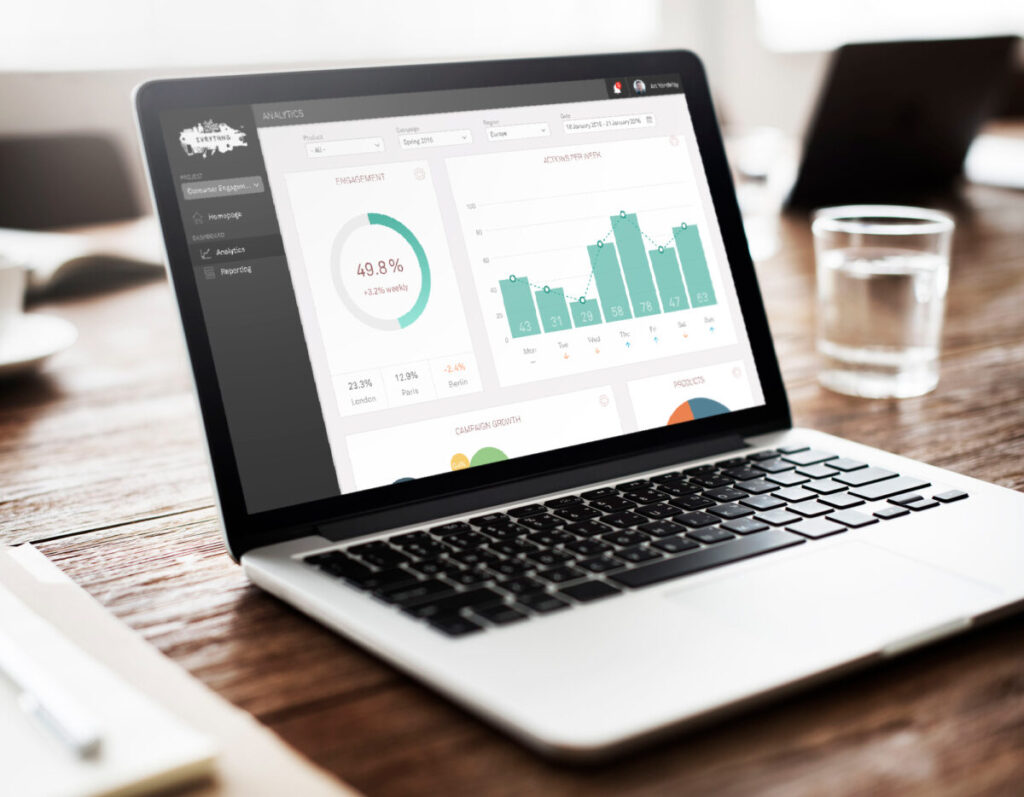
Transforming IoT Data into a Seamless UX at Evrythng
Transforming IoT Data into a Seamless UX at Evrythng
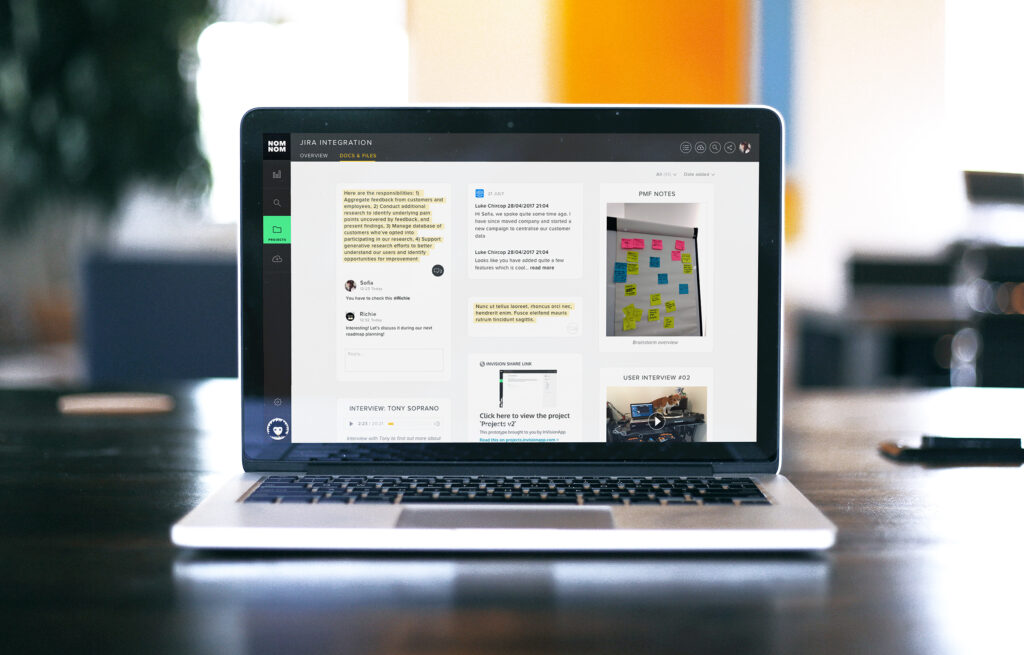
Centralizing Insights: A Unified Research Repository for EnjoyHQ